How to play
GEO-DEF is a tower defense game played on real city streets. Pick a city — yours, ideally — and the road network from OpenStreetMap becomes the map. Attackers drive along the actual roads toward your headquarters. You build turrets on those roads to stop them.
Getting started
Open the map and you get a spinnable globe with 286 cities marked. Tap one to open its panel, then Defend to play solo against the AI. No account, no install, no payment — a guest can play everything.
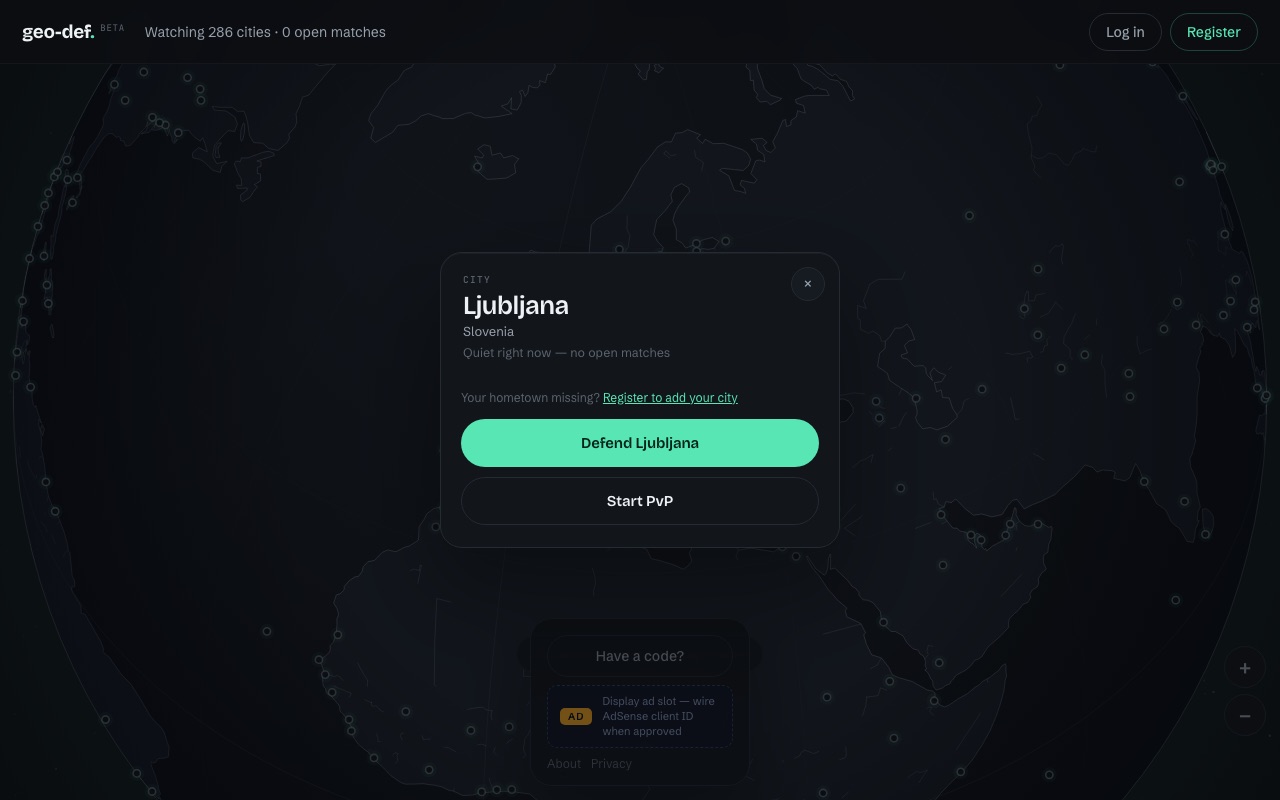
If your hometown isn't on the globe, use Add any city in the city panel. The server pulls that city's streets from OpenStreetMap and builds a playable map, usually in about 20 seconds. It is then cached for everyone.
Defending
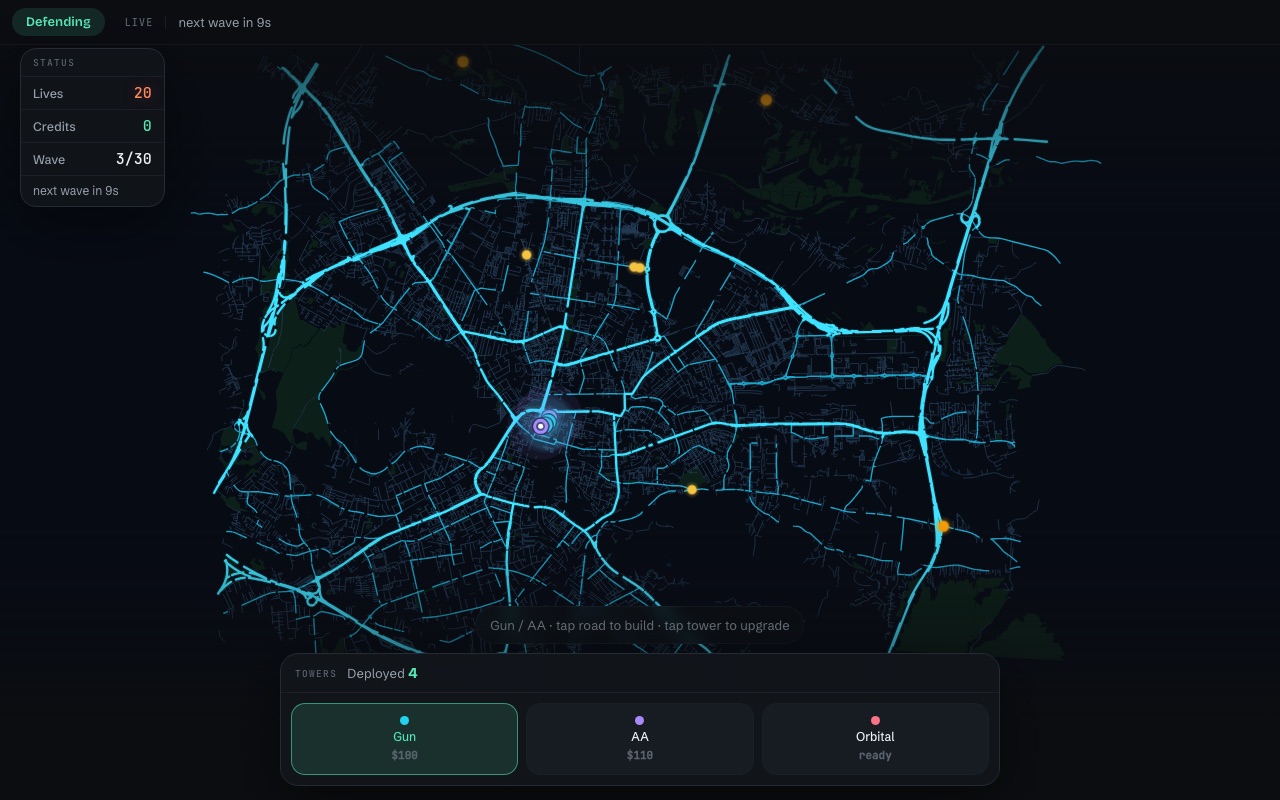
You start with 20 lives and $420 in credits. Your HQ sits at the city centre, marked by a pulsing beacon. Attackers spawn at fronts on the edge of the map and follow the road network toward it.
- Every attacker that reaches your HQ costs you one life — you'll see a coral shockwave and a
−1at the HQ when it happens. - The HQ beacon is your health bar: it glows green while you're healthy, turns orange under half lives, and red under a fifth.
- Kills earn credits. Credits buy and upgrade towers. That's the whole economy.
- Lose all 20 lives and the city falls.
Towers
Towers can only be placed on roads, and not inside the protected ring around your HQ. Tap a placed tower to upgrade or sell it. Upgrades cost $90 then $280, to a maximum of level 3; selling refunds 60% of what you spent.
Gun
Your workhorse against ground units. Cheap enough to build in numbers, which is usually better than upgrading one.
$100 · 380 m range · ground onlyAA
Anti-air. Drones ignore everything else, so without at least one of these a drone wave walks straight through.
$110 · 460 m range · air onlyOrbital Strike
Your panic button. Arm it, then tap the map to call a blast. Clears a clustered breakthrough.
900 m blast · 120 s cooldownLevelling a tower multiplies its damage (1.7× at level 2, 2.6× at level 3) and slightly extends its range. Two level-1 guns out-damage one level-2 gun for less money — upgrade when you're short on good road positions, not by default.
Waves and difficulty
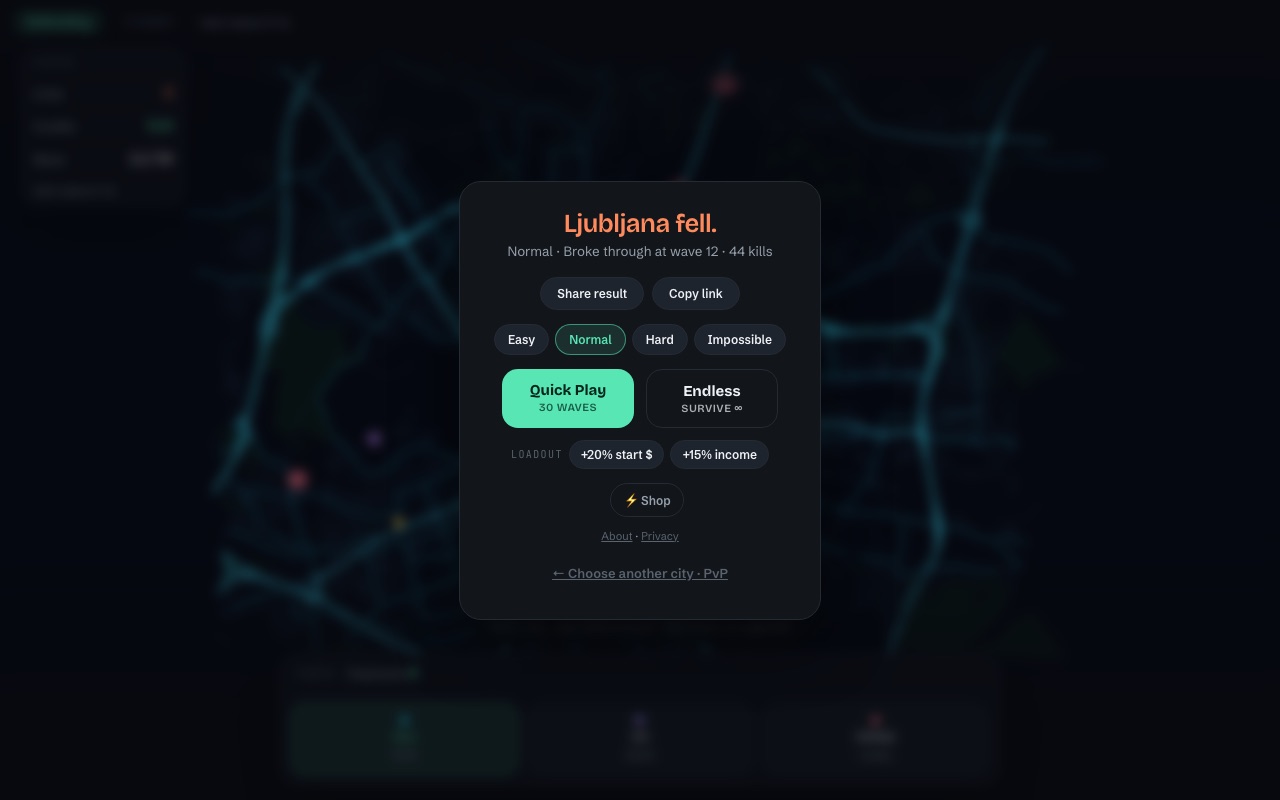
Quick Play is 30 waves; survive them all and the city holds. Endless keeps going until you fall, which is where the leaderboard-style bragging lives. Four difficulties — Easy, Normal, Hard and Impossible — change how hard the waves push.
Waves arrive on a timer shown in the status panel, so the gap between them is your build window. Attacker composition escalates: light scouts early, then grunts, then tanks that soak damage, and drones that fly over your gun line entirely.
The wave 5–8 wall. This is where most first runs end. It is almost always drones — if you have no AA tower by wave 5, you will lose lives you can't get back.
Attacking
In PvP one side defends and the other attacks — a single player each in 1v1, squads of two or three in team games. As an attacker you don't place towers — you spend a rolling budget on units and choose which spawn front they come from. In team games each attacker commands their own supply and their own set of fronts.
Scout
Fast and fragile. Good for probing which roads are actually covered.
cheap · fast · groundGrunt
The baseline attacker. Effective in volume against a thin gun line.
balanced · groundTank
Slow and tough. Soaks fire so everything behind it survives the corridor.
high HP · slow · groundDrone
Flies. Only AA towers can touch it — the defender's single point of failure.
air · ignores gunsThe defence can't see a spawn front until it has been revealed, so opening from an unscouted direction is worth real damage.
Playing with friends
PvP comes in three sizes: 1v1, 2v2 and 3v3. Open a city, pick a team size on the city panel, and the PvP button becomes Challenge a friend or Create a 2v2 / 3v3 party. Either way you get a private match, a four-letter code and a one-tap invite link. Send the same link to everyone — each friend who opens it takes the next open seat, filling your side first, then the enemy team. Nobody else can join a private match, and the lobby shows both rosters filling in live.
In team games every player runs their own economy:
- Each defender has their own credits and their own towers — a kill pays the tower's owner. Teammates' towers show ghosted on your map, and you can't upgrade or sell them.
- Each attacker has their own supply and their own spawn fronts.
- Lives are shared. The city stands or falls as a team.
- One defender is the shot-caller and places the HQ for the whole team.
A match then runs in a fixed order, with nothing hidden at the start:
- The defending shot-caller places the HQ — revealed to everyone.
- The attackers position their spawn fronts, seeing where the HQ is.
- A short build window, then a countdown, then the first wave.
Seats belong to players: if you drop out or refresh mid-match, you reconnect into your own seat — your towers, your wallet, your cooldowns — and nobody else can take an occupied chair once the match has started. In a 1v1, if your opponent leaves for good you're offered a rematch with the sides swapped.
XP and boosts
Playing earns XP: 10 for finishing a server match and 15 more for winning it; solo games earn 6, plus 10 for a win, for the first five each day.
Boosts are consumable. XP buys a charge, and one charge is spent each time you take that boost into a match — so a boost you use is a boost you re-buy. Roughly one match funds roughly one use. You can stock up to 10 charges of each, and the shop shows how many you have left.
You equip them before a match — never during one. Pick your loadout on the city panel as you start a game (or on the solo menu); it locks the moment the match begins, and the charge is spent then. A lobby that never fills costs you nothing.
Adding your own city to the world map costs 350 XP. Boosts are applied by the server and announced to both players, so a PvP opponent always knows what you brought.
An account is optional. Guests can play everything; registering just means your XP follows you to another device instead of living in one browser.
Controls
On phones the deck folds away by itself while a wave is on the map and comes back between waves, so the board stays visible when it matters.
Tips that actually help
- Build at chokepoints, not near the HQ. Bridges and junctions force every route through one firing line. A tower at the HQ only ever fires once.
- One AA by wave 5. Non-negotiable. Two if you're on Hard.
- Spread before you upgrade. Coverage beats concentration until you run out of good road.
- Watch the edge arrows. Off-screen threats are marked at the screen edge with a count — that's your cue to pan, not to panic.
- Save the Orbital Strike for tanks. Two minutes of cooldown is a long time to regret spending it on scouts.
Ready? Open the map and pick your city — or go straight to a practice run in Ljubljana.